
Affiliate disclosure: Clear Choice Picks may earn a commission if you purchase through links in this article, at no additional cost to you. Our recommendations are based on practical fit, not commission size.
A website builder should remove technical friction without hiding the decisions that make a business site useful. A polished template cannot define the offer, prove credibility, decide which leads matter, or build a conversion path. It can help an owner publish and maintain those elements without waiting on a developer for every change.
Weblium focuses on speed. It combines templates, reusable sections, responsive layouts, hosting, forms, SEO settings, ecommerce, blogging, multilingual features, and AI-assisted creation inside a visual editor.
Weblium is a practical option for a small business that wants to launch a service site, landing page, or modest online store quickly and prefers guided design over unlimited customization. It is less suitable for custom web applications, complex content models, businesses that require a large plugin ecosystem, or teams that need full control over hosting and application code.
What Weblium offers
Weblium’s current pricing page presents three main levels:
- Free is a limited way to test the editor or create a small proof of concept. The current plan allows up to three pages with tight storage and bandwidth limits.
- Starter targets business websites and lead generation. It adds advanced SEO settings, lead-capture tools, deeper design controls, integrations, custom code, more pages and storage, and removal of Weblium branding.
- Business targets online selling and larger projects. It adds the online store, blog, multilingual publishing, and substantially higher page and resource limits.
Each subscription covers one website. Weblium also sells multi-site bundles, a done-for-you Studio service, and a white-label product for agencies. Those are separate buying decisions from a single self-service site.
Strengths
Templates and reusable blocks reduce setup time. Owners can assemble service lists, testimonials, pricing, team profiles, galleries, forms, and calls to action without designing every section from an empty canvas.
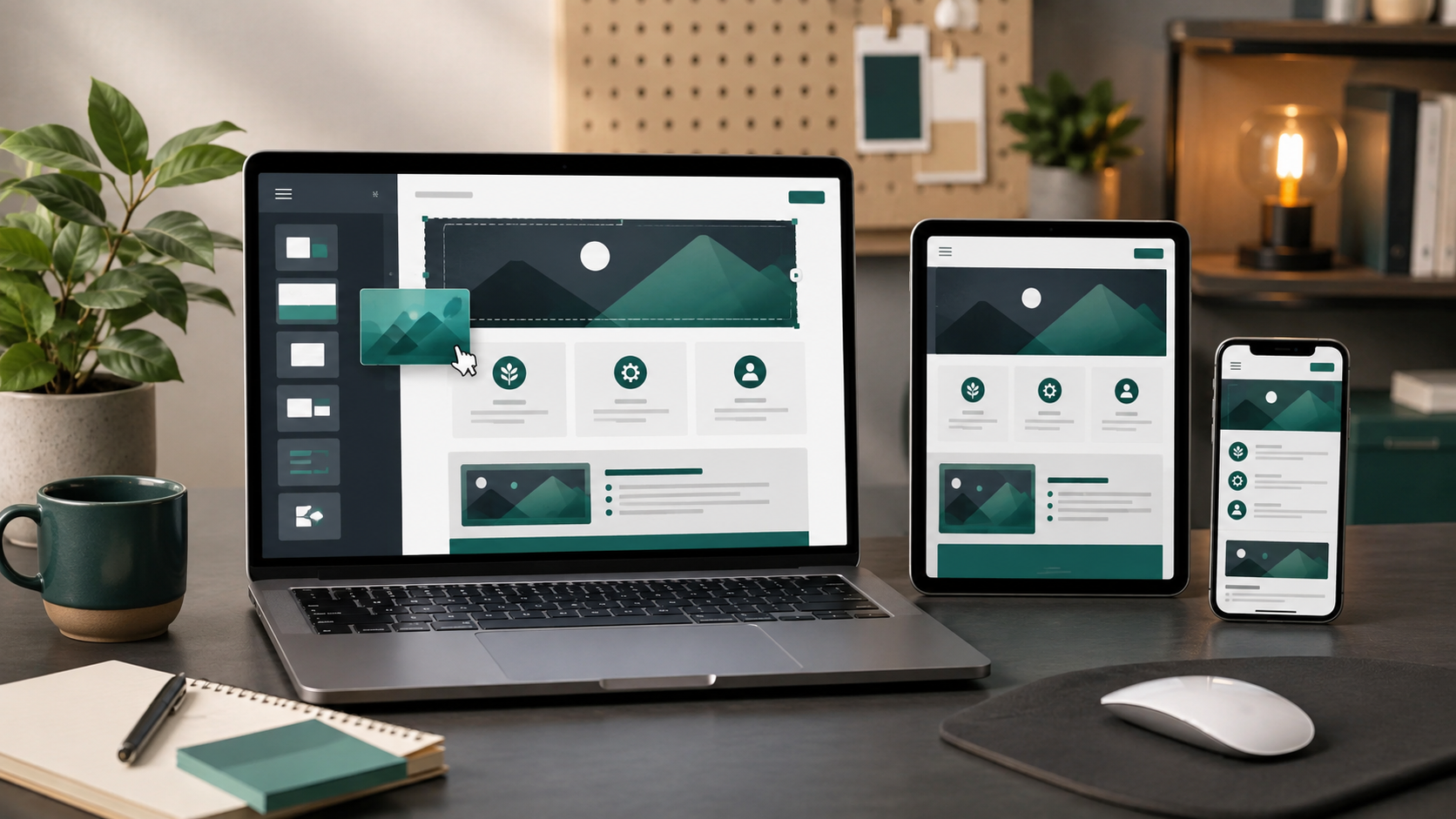
Responsive behavior is part of the editor. Weblium adapts layouts across desktop, tablet, and mobile. That reduces manual work, but each page still needs inspection at common screen widths.
Global styles support consistency. Central controls for colors, typography, buttons, and other design elements reduce the chance that each page drifts into a different visual system.
Lead-generation tools are built in. Starter adds forms and other capture tools, along with integrations and custom code for a more complete business-site workflow.
Business covers common store needs. The current plan includes ecommerce, blogging, multilingual sites, larger limits, and payment-method support. Product and category pages also have editable SEO fields.
AI can accelerate a first draft. Weblium promotes an AI assistant for site structure, writing, and visuals. Treat it as a starting point: every claim, image, policy, and call to action still needs human review.
Limitations and buying traps
Guided design is a tradeoff. Guardrails help a beginner maintain consistency but can frustrate a designer who wants exact control over breakpoints, interactions, and layout behavior.
Each paid subscription covers one site. Businesses with multiple brands, locations, campaign sites, or client projects should calculate the portfolio cost. A low single-site price can become less attractive at scale.
Professional publishing requires a paid plan. A custom domain, platform-brand removal, advanced SEO, lead capture, integrations, and custom code make Starter the realistic minimum for many established businesses.
Ecommerce and blogging require Business. Do not choose Starter assuming a store, blog, or multilingual site can be activated later without a plan change.
Migration creates switching costs. The builder controls the theme system, editor, hosting environment, and feature model. Before committing, ask what can be exported, how redirects work, and what happens when a subscription ends.
AI output can be generic or wrong. Generated copy and imagery often need substantial editing to reflect real services, proof, policies, customer concerns, and brand voice.
A useful trial project
Do not evaluate Weblium by browsing templates. Build a small version of the website you actually need:
- Create the homepage, one service or product page, an About page, and a contact page.
- Apply the real logo, colors, fonts, photography, and business details.
- Build the primary form and confirm where submissions are stored and delivered.
- Add analytics, a privacy notice, and any required consent controls.
- Configure page titles, descriptions, URLs, headings, canonical settings, and social previews.
- Test the site at desktop, tablet, and mobile widths.
- Measure page speed and inspect image optimization.
- Test a complete lead or purchase journey in a private browser.
- Document migration and rollback options before connecting the primary domain.
For ecommerce, also test taxes, shipping, inventory, payment methods, order emails, refunds, and data export. A visually attractive product page is only one component of a functioning store.
Which plan is the best fit?
Use Free to learn the editor or build a temporary proof of concept. Its limits make it a poor final home for most established businesses.
Choose Starter for a service business, consultant, portfolio, or campaign site that needs a custom domain, lead capture, SEO controls, integrations, and no Weblium branding.
Choose Business when the site needs ecommerce, a blog, multilingual publishing, or a much larger page structure.
Consider Studio only when the business wants Weblium’s team to perform the build. Evaluate deliverables, ownership, revision limits, and post-launch maintenance as a service contract rather than as software pricing.
Verdict
Weblium’s strongest advantage is speed with guardrails. Templates, blocks, global styles, responsive behavior, hosting, and business tools can help a small team publish a credible site without assembling a large technical stack.
The tradeoff is control. Businesses with custom applications, complex integrations, unusual content relationships, or strict infrastructure requirements may outgrow the platform. Build a realistic trial site and confirm that the selected plan handles the domain, forms, SEO, integrations, blog or store, collaboration, and export requirements.
For alternatives, see Best Website Builders for Small Business.
Frequently asked questions
Can I use my own domain with Weblium?
Paid plans support a custom domain. Current annual subscriptions also advertise a free domain for the first year, subject to eligible extensions and live terms.
Does Weblium include hosting and SSL?
Weblium bundles hosting and SSL with the website-builder service. Confirm storage, bandwidth, page, and resource limits for the selected plan.
Which plan includes a blog or online store?
The current pricing page places blogging, ecommerce, and multilingual publishing in Business.
Can one subscription cover several websites?
No. Weblium says each subscription covers one website, although multi-site bundles are available.
Editorial sources checked September 24, 2026: Weblium official pricing page, subscription comparison, custom-domain and paid-plan documentation, ecommerce Help Center, and SEO documentation.