
Affiliate disclosure: Clear Choice Picks may earn a commission if you purchase through links in this article, at no additional cost to you. Our recommendations are based on practical fit, not commission size.
A logo is only one piece of a usable brand. A business also needs consistent colors, type, social graphics, presentations, business cards, email signatures, and rules that keep those assets from drifting apart.
Zoviz combines logo creation, brand kits, design templates, AI image tools, marketing-content generation, link-in-bio pages, digital business cards, presentations, and website-building features. The appeal is coordination: the platform can apply one brand identity across many assets instead of treating every design as a separate project.
Zoviz is a practical option for a new or small business that needs a coordinated starter identity and recurring marketing assets without hiring a designer for every format. It is not a substitute for brand strategy, trademark clearance, accessibility review, or professional design work when originality and legal exclusivity are critical.
How the Zoviz workflow works
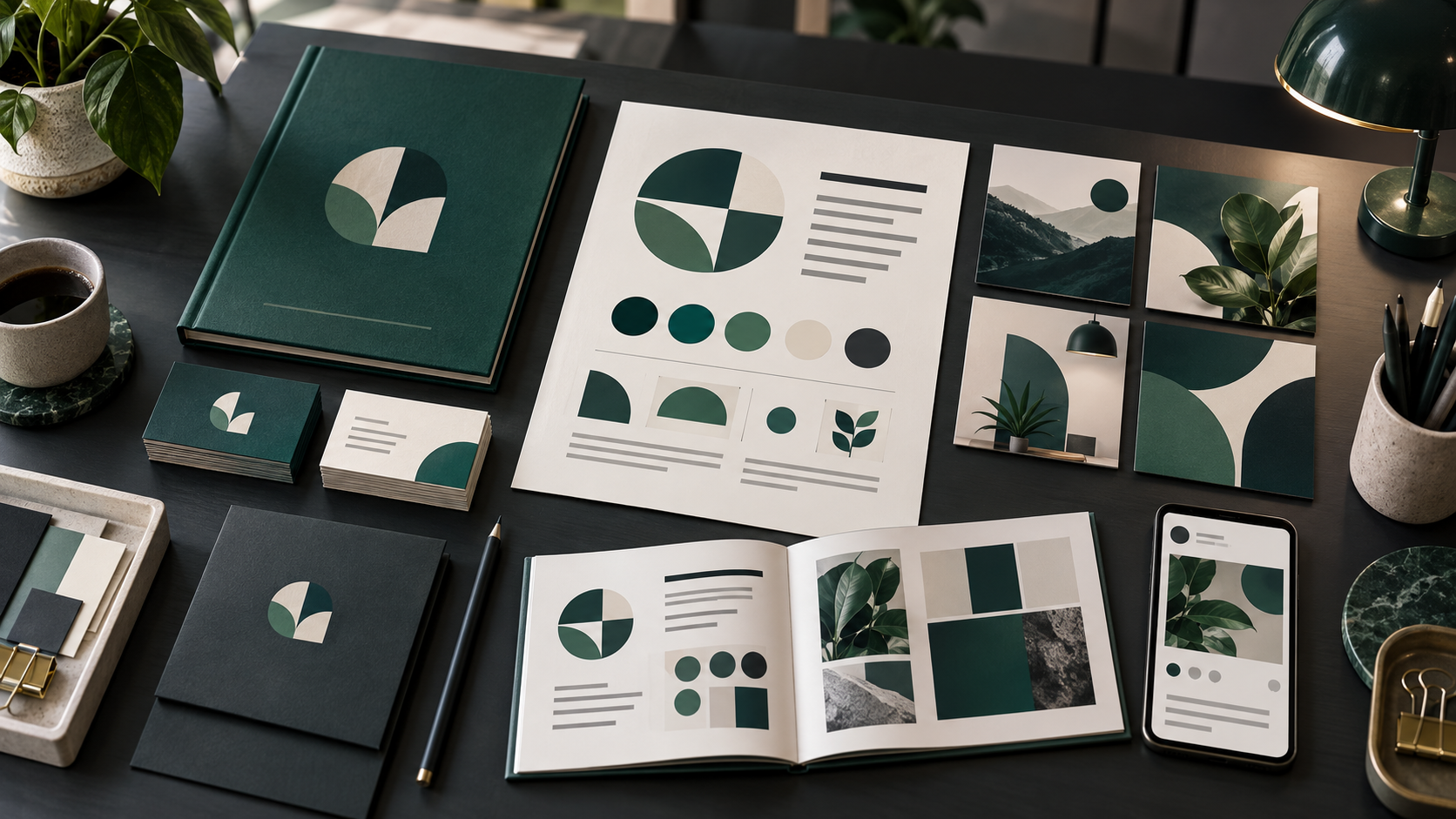
The user creates a brand, explores logo concepts, selects and edits a design, then receives a kit built around the chosen logo. Zoviz says that kit includes logo variations, colors, fonts, and a brand book. The same identity can then populate social posts, cards, presentations, web assets, and other templates.
You can explore concepts and preview a brand before paying. Payment unlocks final high-resolution downloads and the applicable license. That is useful for evaluation, but it also means the real buying decision includes both the subscription and the legal terms attached to the chosen design.
Current plans are organized around Starter, Pro, and Business levels. They differ in brand count, storage, team access, websites, support, and monthly AI-marketing credits. Because Zoviz’s current pricing page displays inconsistent credit counts in different sections, confirm the checkout allowance rather than relying on a single comparison block.
Strengths
One identity across many deliverables. Colors, fonts, logos, and business details can flow into multiple asset types, reducing repetitive setup and inconsistent formatting.
Useful before purchase. Zoviz says users can create a brand, generate a logo, and design assets before paying, with payment required for full-quality export.
Editable vector output. The help center describes the selected logo as editable vector artwork, which is more useful than receiving only a small raster file.
Multi-brand options. Higher plans support multiple brand profiles, which may suit a small agency, a founder with several ventures, or a business managing distinct product lines.
Broader than a logo generator. Templates, website tools, digital cards, link pages, image editing, and marketing automation can extend the value beyond the initial logo.
Limitations and risks
Generated options still need judgment. A polished mark can be generic, misleading, hard to reproduce, or poorly suited to the audience. Review it at small sizes, in one color, on light and dark backgrounds, and alongside competitors.
Trademark clearance is the buyer’s responsibility. Search relevant business registries and trademark databases before committing. An available domain or a generated design does not prove that a name or symbol is legally safe.
License levels differ. Zoviz distinguishes Standard and Exclusive licensing. Its help center says a Standard license grants commercial rights but may leave the underlying icon in the catalog, while Exclusive reserves the icon for one business. Read the current license language for the actual purchase.
Credit information is inconsistent. The current pricing page presents different monthly AI-credit figures in its plan cards, comparison section, and FAQ. Treat the checkout screen and written contract as controlling, and save a copy of the terms.
Templates do not create positioning. Zoviz can standardize output, but it cannot decide the audience, promise, proof, voice, or differentiation that should guide the identity.
Subscription value depends on ongoing use. If the business needs only a one-time logo package, compare the cost and rights with a designer or fixed-price service. If the team will regularly create ads, posts, presentations, and web assets, the recurring toolkit may be easier to justify.
A responsible evaluation process
- Write a short brand brief covering audience, offer, personality, competitors, and prohibited visual clichés.
- Generate several directions, then reject concepts that look interchangeable with competitors.
- Test the leading mark as a favicon, social avatar, invoice header, monochrome stamp, and large sign.
- Check font licensing, color contrast, and readability in every core template.
- Review the Standard and Exclusive license terms before downloading final assets.
- Conduct business-name, domain, and trademark searches appropriate to the jurisdictions where you operate.
- Export every promised format and confirm that SVG, print, transparent, and social versions open correctly.
- Document the chosen logo, colors, type, spacing, and usage rules outside the platform.
Verdict
Zoviz’s strongest case is operational consistency. A small business can move from a logo concept to a coordinated kit and recurring marketing assets inside one system. That can be valuable when speed and self-service matter more than a bespoke identity process.
The tradeoff is that convenience does not remove strategic or legal work. Verify licensing, credit allowances, export formats, and brand limits at checkout, and treat every generated concept as a draft that must pass originality, accessibility, and trademark review.
For alternatives, see Best Logo Design Tools for Small Business.
Frequently asked questions
Can I try Zoviz before paying?
Zoviz says users can explore templates, create logos, and preview a brand kit at no cost. A paid license is required for final full-quality downloads.
Does Zoviz provide vector logo files?
Its current help documentation describes the logo as editable SVG artwork. Verify the exact export package included with the selected plan or license.
What is the difference between Standard and Exclusive licensing?
Both currently include commercial rights, but Zoviz says the underlying icon may remain in its catalog under Standard while Exclusive reserves it for one business. Review the complete license before purchase.
Can Zoviz manage more than one brand?
Yes. Current plan materials list one brand on Starter and larger allowances on Pro and Business. Confirm the current limit at checkout.
Editorial sources checked September 11, 2026: Zoviz official pricing page and Help Center documentation for brand creation, licensing, exports, and multi-brand management.